THE FOLLOWING INSTRUCTIONS ARE FOR UNIVERSITY OF OREGON FOUNDATION SUPPORT TICKET END-USERS
To begin accessing your support tickets submitted to the UOF, please follow the instructions below.
Logging In To The Help Center
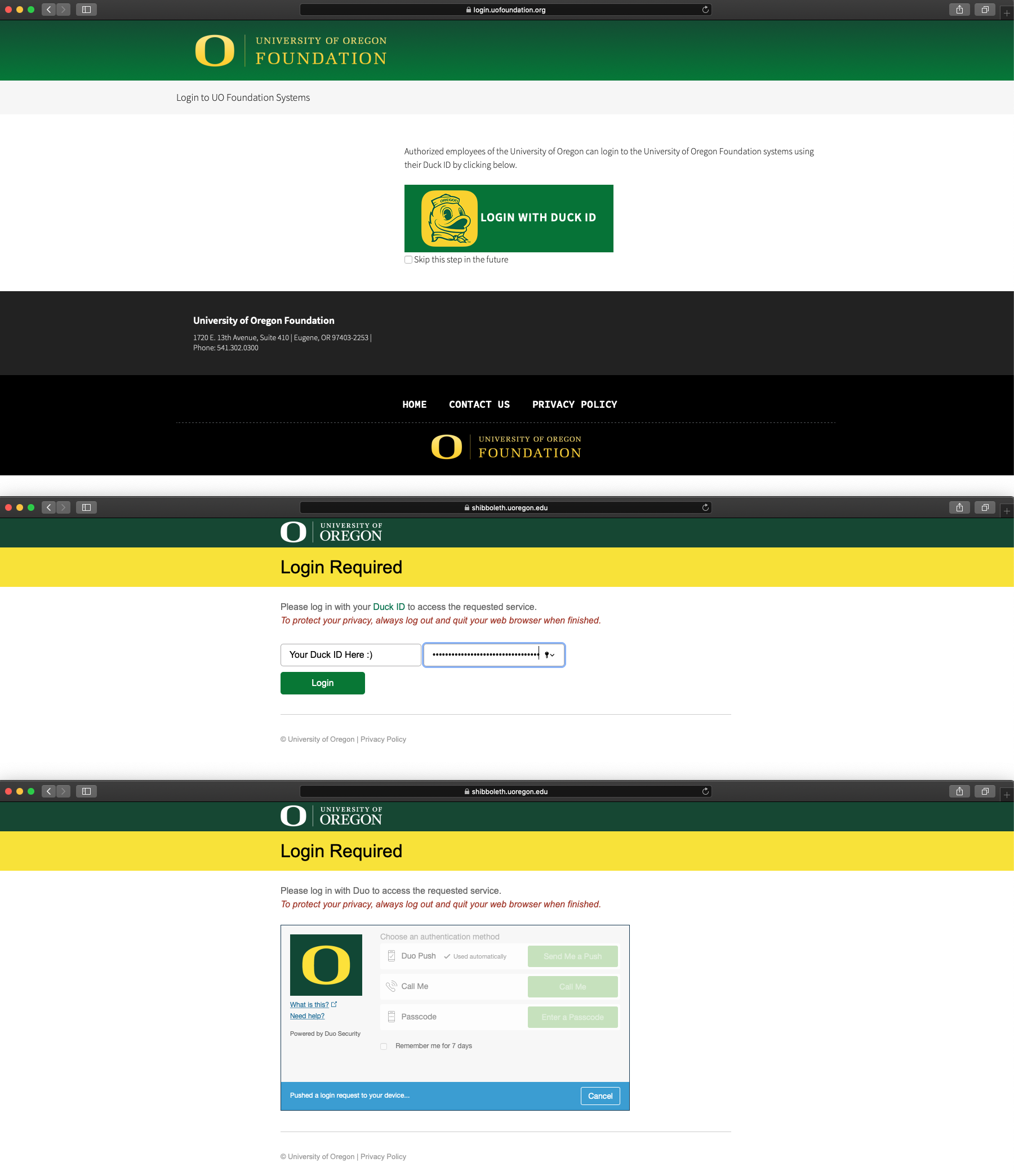
Log in to Okta. You will need to use Duo Two-Factor Authentication to successfully sign in.
Select the Zendesk application . You may be prompted to log in. If so, exit out of the login prompt, refresh the page, and select the Zendesk application once again.
Accessing your Support Tickets
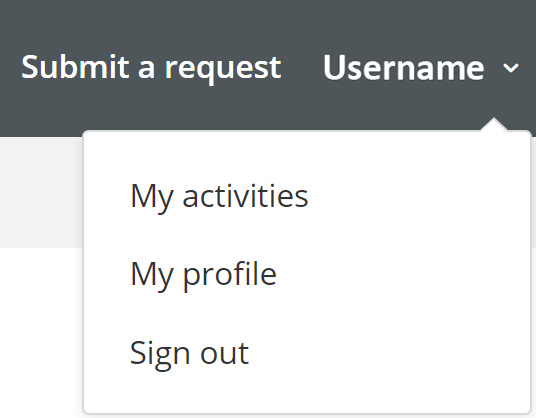
Once logged in to Zendesk, click on the User icon in the top right corner of the page.
Select My activities from the drop-down menu.
Select Requests in the top left corner of the page.
Select My requests to view all of your open, pending, and solved support tickets.
Updating your Support Tickets
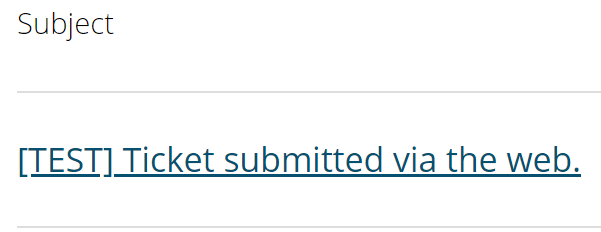
Once on the My requests page, select the Subject line of the desired support ticket.
Select Add to conversation.
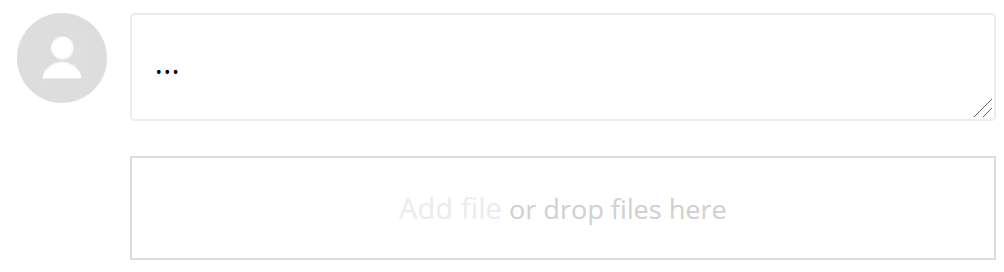
Type out an update in the provided text-box and then add any supporting attachments.
Select Submit when finished.
Contacts Regarding Zendesk and UOF Support Tickets
UO Foundation Helpdesk: 541-302-0338 or helpdesk@uofoundation.org

 . You may be prompted to log in. If so, exit out of the login prompt, refresh the page, and select the Zendesk application once again.